Create your AI presentation
You can create a presentation in one of four ways:

Use our AI presentation maker
Start from scratch
Upload document
Import PowerPoint
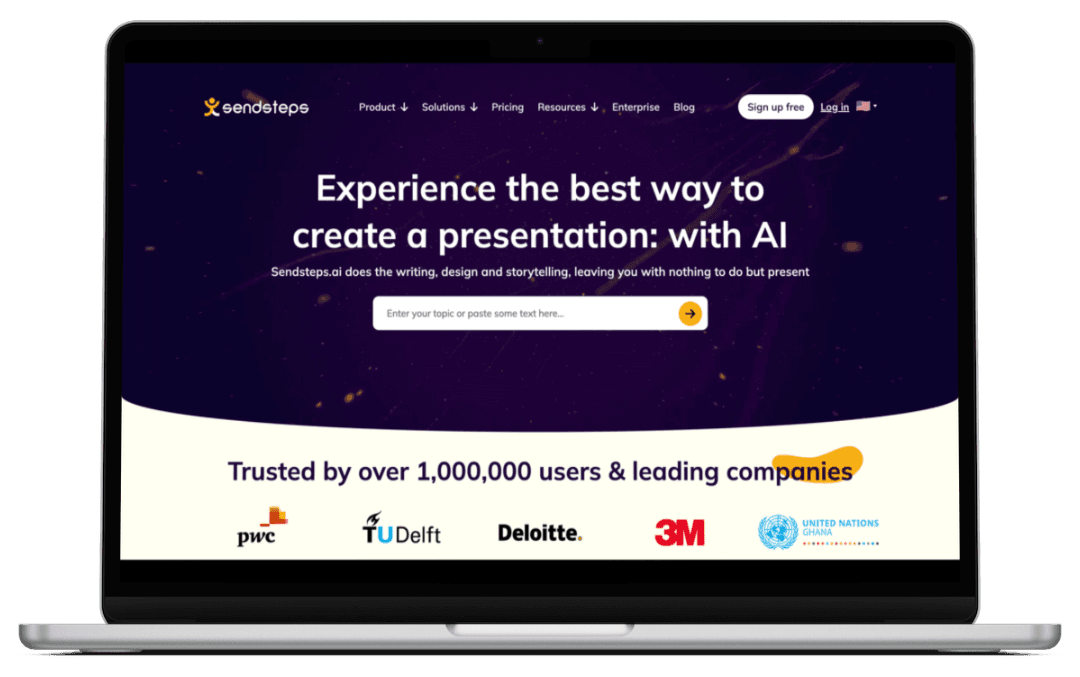
Sendsteps.ai does the writing, design and storytelling, leaving you with nothing to do but present






AI-assisted presentations save time, enabling focus on crucial tasks.
Encourage active engagement for better meeting results.
Interactive activities promote message understanding and strategic discussions.

Save time creating presentations with AI or use our AI Quiz Maker
Promote effective communication and student understanding.
Stimulate healthy competition, boosting student motivation and efficiency.
Make learning fun

Enhance the enjoyment of the event and contacts with participants.
Get closer with your audience through interactive activities
Distinguish your event with a unique, immersive, and memorable experience.



Instead of taking a few hours, all is ready in 1 minute!
You can create a presentation in one of four ways:
Use our AI presentation maker
Start from scratch
Upload document
Import PowerPoint

Specify what your presentation is about, in which language, to whom you’re presenting, title, length, etc.
You’re presentation is ready! Design, content, pictures and interactive elements are created for you. There will be speaker notes so you can practice your presentation or you can start presenting right away!


Sendsteps transformed Pasarzilla! Before using this AI tool, creating PPT slides was time-consuming and tedious. Now, slide creation time is drastically reduced, allowing us to focus more on content and deliver impactful presentations in no time!

Pasarzilla
While training, engaging the audience was tough since we had to use different form tools to host quizzes. Sendsteps simplifies PPT quiz creation with AI, adding a gaming approach. It saves us time and learners are happier and more engaged, all in one tool

Anshu Pandey
At Zuyd University of Applied Sciences have found in Sendsteps a standard tool with which we can easily interact with our students; both in class and in online sessions. Sendsteps is dynamic and easy to use!

Senior Tutor ICT
Sendsteps allows me to check whether my students understand what we are doing in a fun and exciting way

Nyenrode Business University
The public is given an active role. In our case, successes of the past year were shared and the response was huge. In addition, they were given the opportunity to explain their success; good use was made of this. This was exactly what we had hoped for.

Schiphol
Facilitates the dialogue by 'forcing' colleagues to respond and then immediately getting forward with the results.

ABN AMRO
Try one of our pre-made templates or generate one with AI!


No credit card required | 2 Free AI presentations